
Bring your roster into your everyday calendar.
CrewMark exports an .ics calendar file that you can import into Apple Calendar, Google Calendar or Outlook. It gives you a copy of the roster for personal planning; it is not a live calendar subscription.
Private beta · Free while in beta For pilots and cabin crew. Applications are reviewed manually.
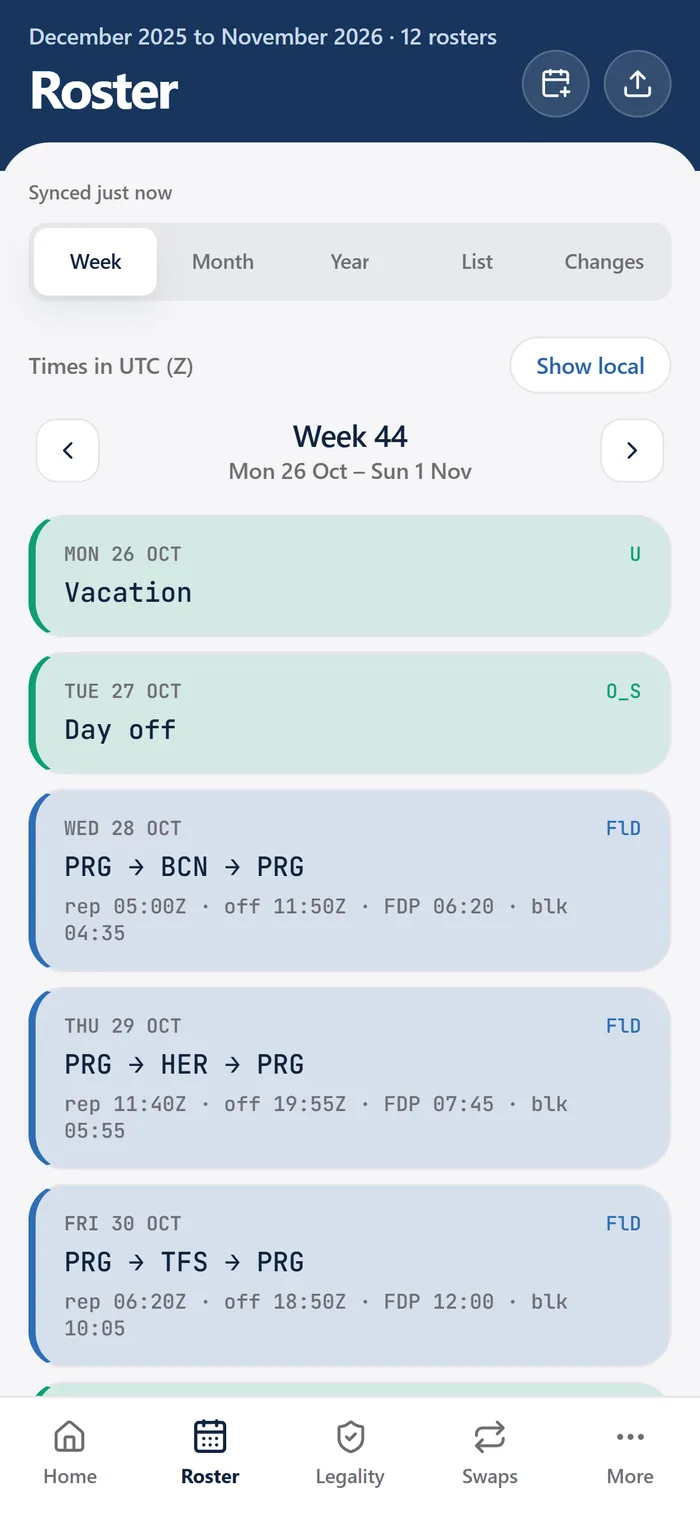
One file, familiar calendar apps
The calendar export uses the .ics format, also known as iCalendar. CrewMark's current export is intended for import into Apple Calendar, Google Calendar or Outlook. It is included in the free private beta for invited crew.
The workflow starts with your supported roster PDF. After CrewMark has structured the duties, review the result and export the calendar file. Import that file using the calendar app's own import process. The exact steps depend on the app and device you use.
Check the roster before copying it into a calendar
A calendar view is most useful when the information behind it is correct. A short check before importing helps prevent confusion later.
Review the source roster
Make sure you are using the current airline-issued export and that CrewMark has read the duties correctly.
Export the .ics file
Create the calendar file from the roster you have reviewed. Treat it as a snapshot of that information.
Choose the destination carefully
A separate personal calendar for roster imports can make imported events easier to identify. Check the destination calendar's sharing settings before importing.
Check a few imported duties
Compare dates and displayed times with the official roster, especially around overnight duties and travel across time zones. Check for unwanted duplicates if you have imported earlier files.
What happens when the airline changes your roster?
An .ics file is a copy, so an event already imported into another calendar does not automatically receive later roster changes from CrewMark. CrewMark also does not read the airline's internal scheduling system.
Upload the revised supported PDF, review the changes and create a new export if you need an updated calendar copy. Follow your calendar app's process for handling an earlier import. Re-importing a file can create duplicates in some workflows, so check the result instead of assuming the previous events have been replaced.
Keep control of the exported copy
Before placing roster information in a shared calendar, consider who can see that calendar. A file you export and import elsewhere is another copy of your schedule, managed through that calendar service and its sharing controls.
The export is for personal planning. Verify your actual duty in the airline's official roster system before reporting, and use CrewMark's privacy policy for details of how the original uploaded roster is handled.
Common questions
Does CrewMark offer live Google Calendar sync?
The currently described feature is an .ics file export. It should not be described as a live subscription or automatic synchronization with Google Calendar, Apple Calendar or Outlook.
Which calendar apps are listed as supported?
CrewMark lists Apple Calendar, Google Calendar and Outlook for importing its .ics export. Check the import process for your particular app and device.
Will an exported file update after I upload a new roster?
No. An exported file remains a snapshot. Review the revised upload, create a new export and handle any earlier import in your calendar app.
See if CrewMark fits your roster.
Check the supported formats, explore the current beta, and tell us what would make your crew month easier.
Join the free beta