
Choose a roster app that fits your actual flying month.
Start with your roster export and the tasks you need help with. A useful crew app should explain what it supports, what needs checking and which features you can use today. This guide is written by CrewMark and includes its current beta limitations.
Private beta · Free while in beta For pilots and cabin crew. Applications are reviewed manually.
Begin with the job you want the app to do
Write down the two or three things that cost you time each month: reading a dense PDF, bringing duties into a personal calendar, checking a changed roster or understanding a rule finding. Use those tasks to compare products instead of counting feature names.
A broad feature list is less useful if your own export cannot be read. Start with one ordinary month and one revised roster, using only documents you are permitted to upload. Check the output before building a routine around it.
Seven questions worth asking
Use the same questions for each app you consider. Record what you verified yourself and what still needs an answer.
| Question | Evidence to look for |
|---|---|
| Does it support my roster? | The exact export format, a recent test and a clear way to report a parsing error |
| Can I read the duties correctly? | Dates, times, standby, training and days off that match the official roster |
| What happens after a roster change? | An explained update process, including what happens to older calendar copies |
| Is calendar access an export or a subscription? | A clear distinction between a downloaded .ics file and automatic synchronization |
| Which rules are checked? | Specific regulatory, national and collective-agreement scope with visible limitations |
| How is personal data handled? | An understandable privacy policy, storage and sharing details, and a deletion process |
| What is available at this price today? | Current access conditions, shipping features and paid-plan terms separated from future plans |
Try three practical checks
A small trial can reveal more than a long feature comparison.
Compare one busy week
Use a week containing different duty types. Compare the imported schedule with the official roster, including the displayed time context.
Follow one genuine revision
Check how an updated roster enters the app and what happens to a previous calendar export. Look for duplicates, old duties and a clear way to identify the current version.
Examine one rule finding
Ask which input and rule scope support it. Check whether the app covers your own operator and base, and keep authoritative decisions with the airline's official process.
Where CrewMark currently fits
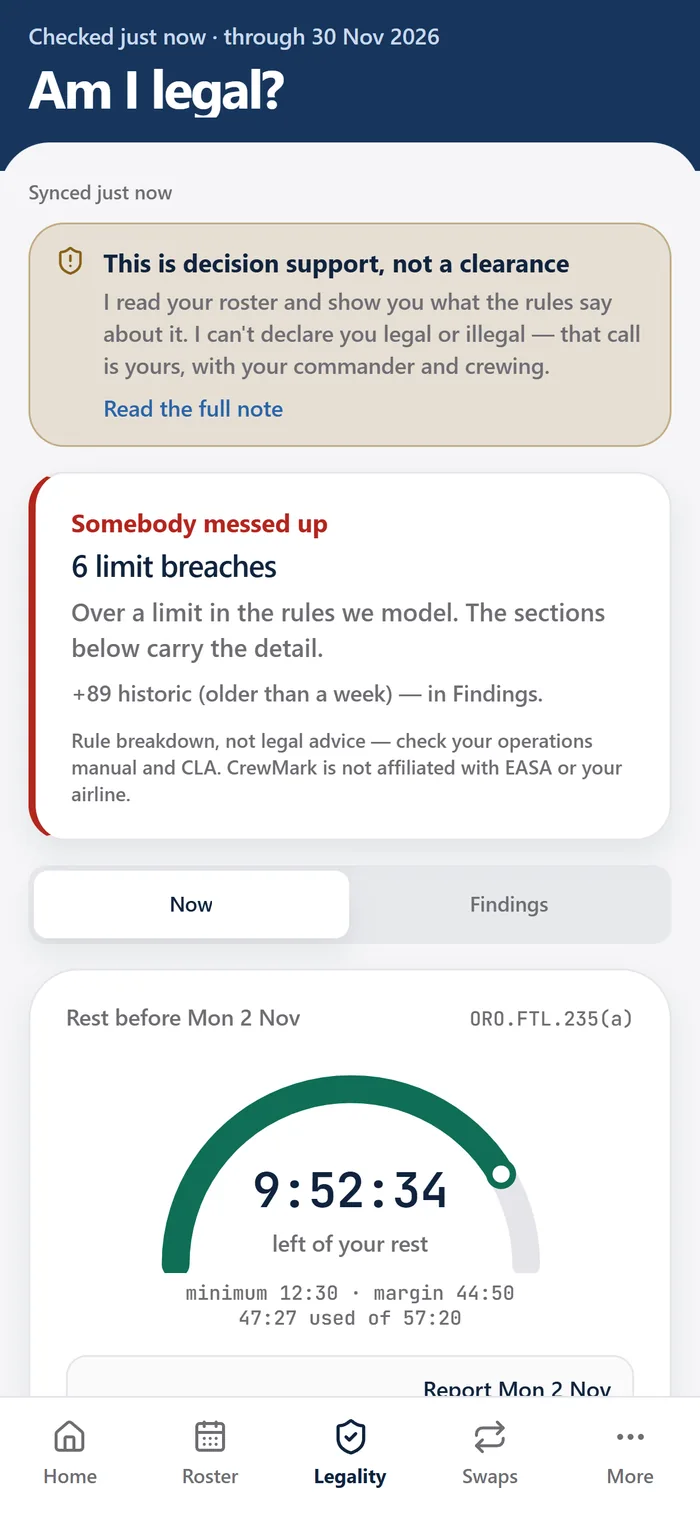
CrewMark is a personal roster companion for pilots and cabin crew, available through a free invite-only beta. It currently names NetLine/CrewLink and Raido PDF exports as supported formats, with a duty timeline, roster history, .ics calendar export, salary estimates and a swap workflow.
Its rule breakdowns use the EASA and national rules it models, with collective-agreement detail limited to one operator-and-base combination. Results are advisory. CrewMark is independent of airlines, does not access their internal scheduling systems and cannot approve a swap.
The iPhone app is coming soon, while the website requires a connection to open. Post-beta prices are still to be announced. These distinctions matter if immediate mobile offline access, live calendar synchronization or a particular CLA is essential to your decision.
Decide on a verified fit
Keep a short list of requirements you have actually tested and questions still unanswered. If a critical requirement is missing, ask the provider rather than treating a roadmap item as available.
For CrewMark, the supported-rosters page and terms are the next places to check. Request beta access if the current scope fits your needs, and use your trial to give specific feedback about your own workflow.
Common questions
Should I choose the app with the most features?
Start with the features you will use and verify that they work with your roster. Accurate format support and a clear update process can matter more than a long list of planned capabilities.
Does a rule checker replace an airline's official systems?
Do not assume that it does. Check the provider's stated role and coverage. CrewMark's outputs are advisory and its terms require verification against official sources.
Is this an independent ranking of apps?
No. It is a practical selection checklist published by CrewMark. It does not rank competitors or claim that CrewMark is the best option for every crew member.
See if CrewMark fits your roster.
Check the supported formats, explore the current beta, and tell us what would make your crew month easier.
Join the free beta